22/10/2026 11:07
New Container, Old Details? YouTube Upload Defaults for Cambodian Shops
A reusable template can save a Cambodian food-container shop time, but it can also carry yesterday’s product information into today’s demonstration. A round storage bowl might arrive on screen while the description still promises a rectangular lunchbox with compartments. Before sharing that video or considering an SMM panel request, the shop needs to distinguish information worth repeating from details that require a fresh decision. This guide explains how to build that distinction into YouTube upload defaults, handle uploads from different devices, and check the finished video. The shop scenarios below are hypothetical examples, not customer results or evidence of promotional performance.
1. Start with the mistake you want defaults to prevent
Imagine a hypothetical Phnom Penh shop that films demonstrations of stackable containers, replacement lids and lunchboxes. Its owner uploads longer demonstrations from a laptop, while an assistant uploads quick clips from a phone. Both reuse an old description because it includes the shop’s contact information. Eventually, a replacement-lid video inherits a sentence saying that the container body is included. The footage is accurate, but the combined message is wrong.
Define the purpose of the template before choosing settings: repeat stable shop information while keeping product claims under individual review. Write down the mistakes that would matter most to a buyer, such as the wrong shape, an unclear quantity or an outdated collection arrangement. This gives the team a concrete review target. A template is useful when it reduces those mistakes; filling every available field is not itself an improvement.
2. Know which upload route receives the defaults
YouTube’s official upload-defaults guidance says these settings apply to uploads made through a browser at youtube.com/upload. Videos uploaded through mobile or a video editor do not follow those defaults. Available choices include privacy, category, title, tags, comments and language. In YouTube Studio, open Settings, select Upload defaults, review Basic info and Advanced settings, then save.
For the hypothetical shop, record the upload route beside each planned video: browser, mobile or editor. Treat that note as a prompt for checking what actually appeared in the upload, rather than assuming the same starting point everywhere. A phone-recorded video later uploaded through the browser belongs to the browser route; the recording device alone does not describe the upload method. Agree on one person who checks the final details, regardless of who filmed or transferred the file.
3. Separate shop information from product information
Create two short working lists outside the public description. The reusable list might contain the approved shop name, a verified contact destination and a neutral explanation of how to ask about a product. Even these details need an owner and occasional review. Avoid treating opening hours, delivery coverage or collection instructions as permanently stable simply because they have remained unchanged for several weeks.
The product-specific list should contain the demonstrated item, included pieces, size information, relevant limitations and the action the viewer should take next. In the hypothetical shop, a neutral invitation to send a product photo may be reusable. A statement that every lid fits every bowl is not. Claims about heat resistance, leak resistance or material suitability also need evidence for the particular item. Do not let a convenient default turn an unverified product assumption into a repeated public promise.
4. Build a minimal default instead of a finished advertisement
Keep reusable wording short enough that the uploader can inspect it without scrolling past a large promotional block. Put the current demonstration’s explanation ahead of general shop information. Avoid a default title that looks complete and could be published unchanged. A title should identify the actual question answered by that video, such as whether a particular replacement lid matches the container shown.
Use a separate internal checklist for missing information rather than leaving publishing instructions in public text. A placeholder such as “insert current price” can survive a rushed review, especially when another person assumes the first uploader completed it. Keep temporary offers and campaign deadlines out of the reusable block. For a shop serving Cambodian customers, prepare language that customers can understand, but verify the meaning of each product term. Copying a bilingual paragraph does not confirm that both versions describe the same item.
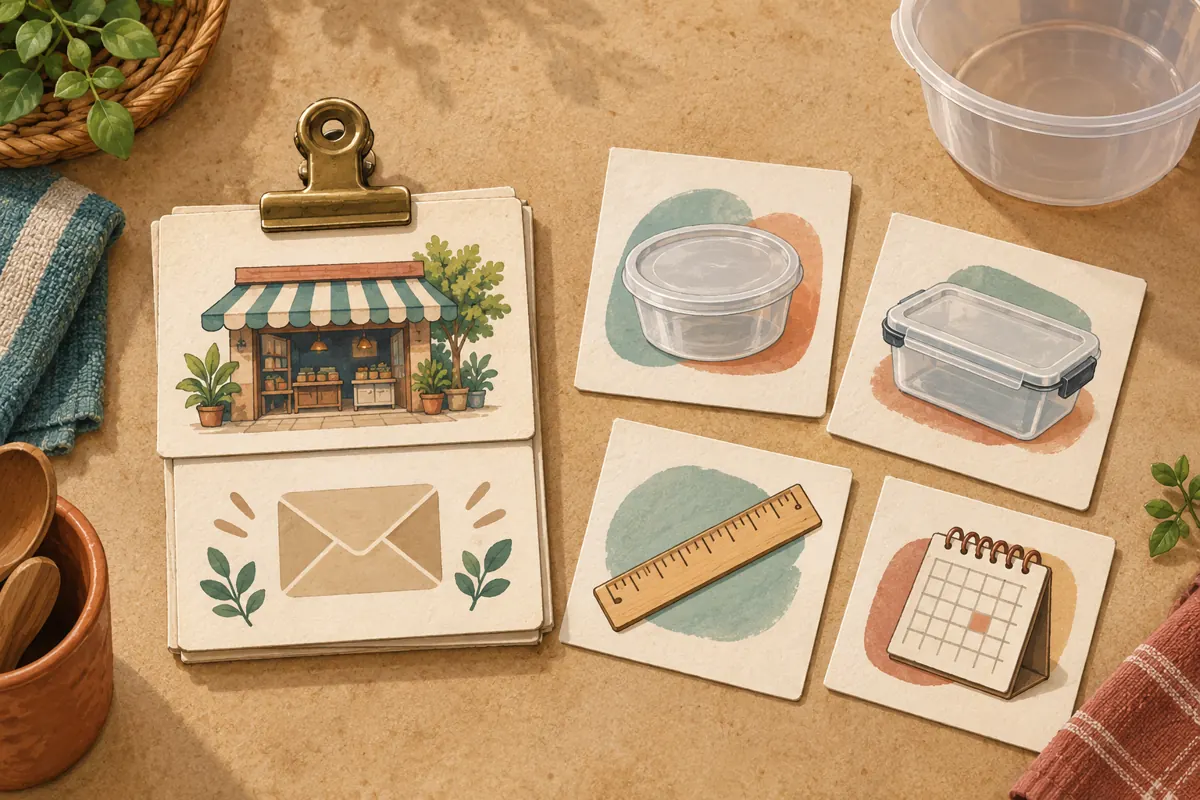
5. Give every upload a deliberate review stage
Choose a workflow that gives the reviewer time to inspect the video before public promotion begins. A private starting setting can be a useful operational choice for browser uploads, provided the team still verifies the individual video’s visibility. Decide who may move a video from review to release. The uploader should not interpret a completed transfer, a familiar template or an attractive preview as approval to share.
In the hypothetical workflow, the assistant checks the footage and product identity, while the owner confirms the offer and collection instructions. They record a simple outcome: ready, needs correction or waiting for product information. Avoid vague messages such as “looks fine” when only the picture was reviewed. Specify what passed. A small shop with one operator can follow the same process by separating the upload session from a later review, with the physical product beside the screen.
6. Test the template on contrasting products
Before relying on a revised template, inspect how it works with two deliberately different examples. In a hypothetical test, use a round replacement lid and a rectangular divided lunchbox. Read each description while watching the matching footage. Search for inherited words that belong to only one product, including compartment, set, handle, seal and included. This is a practical consistency exercise, not a test of reach or ranking.
Then inspect a video prepared through the team’s other upload route. Check whether the shop contact information is present, whether old wording was pasted manually and whether the final settings match the intended release. Record the actual discrepancy rather than saying the template failed generally. For example, “mobile upload omitted the contact line” leads to a clear manual check. “Browser upload retained the old bundle claim” points to content that should be removed from the default.
7. Review the buyer’s decision, not just the fields
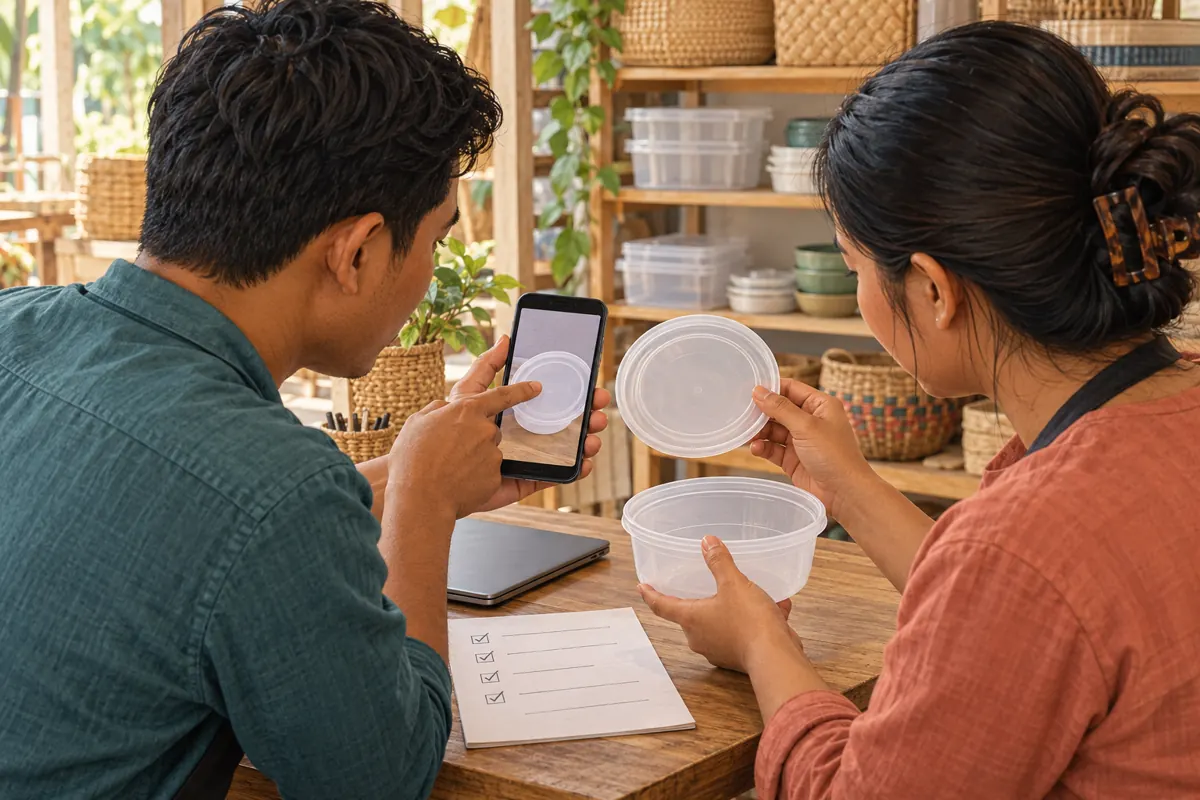
Ask a colleague to use the finished video to answer three practical questions: what item is demonstrated, what is included and what information should a customer send when asking about it? If those answers require guessing, revise the message before sharing. For a replacement lid, a viewer may need to send a clear photograph of the container opening and its dimensions. Explain the requested information without implying that a photograph alone guarantees compatibility.
Check the contact destination from the viewer’s perspective and confirm that someone can handle the expected enquiry. A hypothetical Siem Reap customer asking about collection should not receive instructions copied from a temporary Phnom Penh event. Separate a demonstration from a stock promise: showing a product does not confirm that every colour or size is available today. The release decision should depend on understandable, supportable information, not whether all the upload fields contain text.
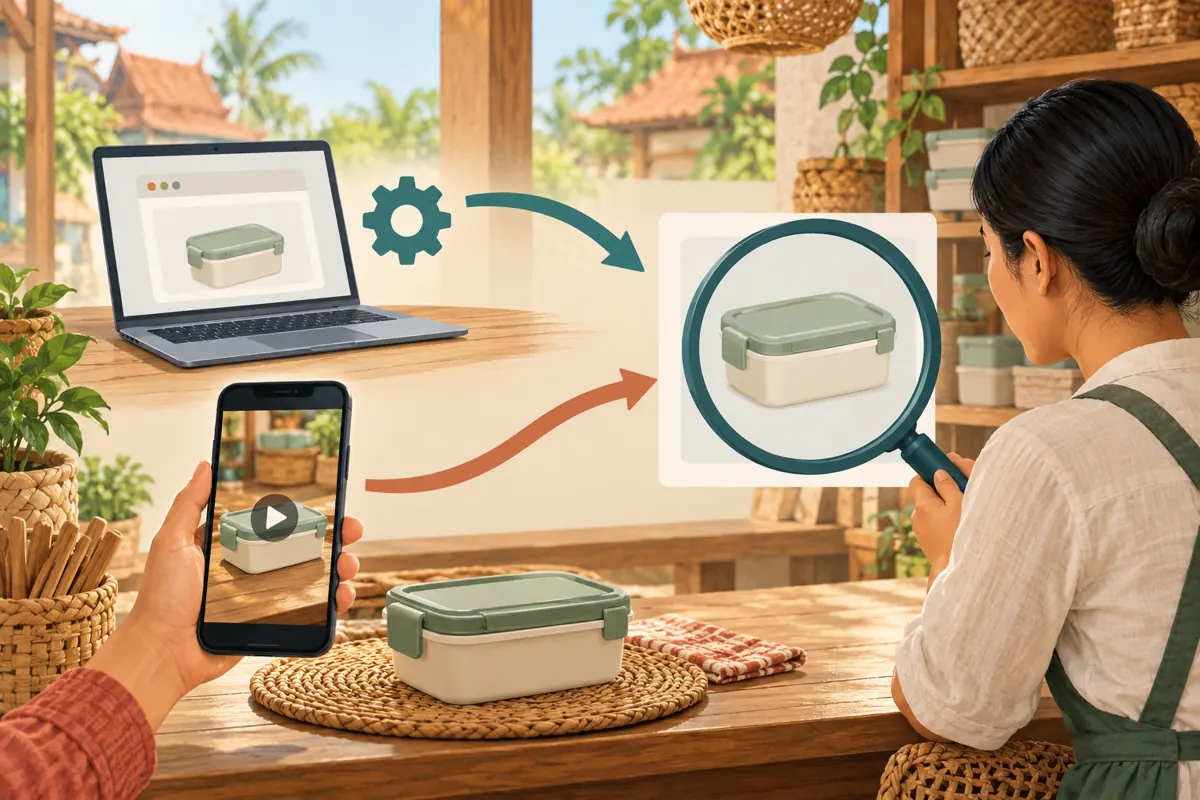
8. Put a promotion decision after the content review
An SMM panel listing is a separate purchasing question. The supplied catalogue includes the exact public title “YouTube Like ~ Max 100k ~ 50k/days ~ Instant ~ 𝐍𝐎 𝗥𝗘𝗙𝗜𝗟𝗟”. It is listed in a YouTube likes category, but its description is empty. The title alone does not establish delivery method, Cambodian audience origin, genuine interest or official platform affiliation. Its advertised terms should not become assumptions in a campaign plan.
YouTube prohibits artificial increases in engagement metrics and says a hired promoter’s actions can affect the channel. Review the proposed method before making any purchase; decline methods that artificially inflate engagement. Purchased engagement is not evidence of sales, ad delivery or Cambodian customers. A sensible next step may instead be sharing the accurate demonstration through the shop’s existing customer communications or arranging clearly defined creative work. Neither option requires treating a larger counter as proof that the product message succeeded.
9. Correct the default and the affected video separately
When an inherited error appears, identify both the immediate mistake and its source. YouTube allows uploaded video details to be edited in Studio. Correct the affected video, then inspect the reusable wording that supplied the mistake. Do not use a change to the default as evidence that the already-uploaded video now reads correctly. Open that video and verify its actual details.
For a hypothetical wrong-inclusion claim, pause planned sharing until the description and any accompanying promotional copy agree with the product. Review other uploads that used the same wording, prioritising those currently being shared. Keep the correction note specific: which claim was wrong, which videos were checked and what still needs review. Avoid making unrelated changes during this pass. A focused correction is easier to verify, and the team can distinguish a fixed statement from a broader redesign still in progress.
10. Maintain the template with a named owner
Assign responsibility for reviewing the reusable block when the shop changes contact details, collection arrangements or product range. Keep a dated internal copy of the approved wording so staff can identify an outdated version pasted from a personal note. This does not require a complicated system: one shared reference and a clear owner can be enough for a small team.
Common mistakes include building the default around a temporary offer, assuming phone uploads inherit browser settings, and approving a video after checking only its thumbnail. Another is judging the workflow by engagement totals. Instead, record concrete editorial issues such as wrong bundle wording, missing contact information or repeated compatibility confusion. Those observations can guide the next revision without implying a measured sales effect. Keep the template only as broad as the shop can reliably review, and expand it when a recurring need justifies another reusable line.
Frequently asked questions
Why did our phone upload omit the shop details saved on the laptop?
YouTube says browser upload defaults do not apply to mobile or video-editor uploads. Confirm how the file was uploaded, then inspect its details directly. Use the approved shop reference to supply missing information, followed by a product-specific review. Do not assume that copying the browser template completes that review.
Should we put every container size into the default description?
Usually that creates more opportunities for mismatch than it resolves. Keep the current video focused on the item demonstrated. A long reusable size list can suggest that unrelated variants are shown or available. Give viewers a clear way to ask about alternatives, and confirm any dimensions against the actual product before publication.
Can one template serve both Khmer and English demonstrations?
It can provide a shared structure, but each upload still needs a language review. Confirm that the item name, included pieces and enquiry instructions mean the same thing in both versions. If a bilingual block becomes difficult to scan, shorten the general shop wording instead of removing the product information a buyer needs.
Does a larger like count show that the corrected template worked?
No. A like count cannot establish that customers understood the inclusion statement, and purchased engagement cannot demonstrate buying interest. Review actual questions and identify whether viewers still misunderstand the product. Treat those observations as feedback, while recognising that a small set of enquiries does not prove a general performance improvement.
What should we do when the service description does not explain the promotion method?
Leave the purchase undecided. Request a clear explanation of what would be done and assess it against platform policy. A service name, delivery label or refill term cannot supply missing evidence about the method. If the method artificially inflates engagement, do not proceed; continue with accurate content and permissible promotion.
Explore the current service catalogue, create an account, or ask a specific question through support tickets.
- YouTube Help: Set default upload settings
- YouTube Help: Edit video settings
- YouTube Help: Fake engagement policy
Prepared with AI assistance. Illustrations explain the workflow and do not represent customer results.