22/10/2026 13:53
Which Wheel Attachment? YouTube Timestamp Links for Cambodian Suitcase-Repair Shops
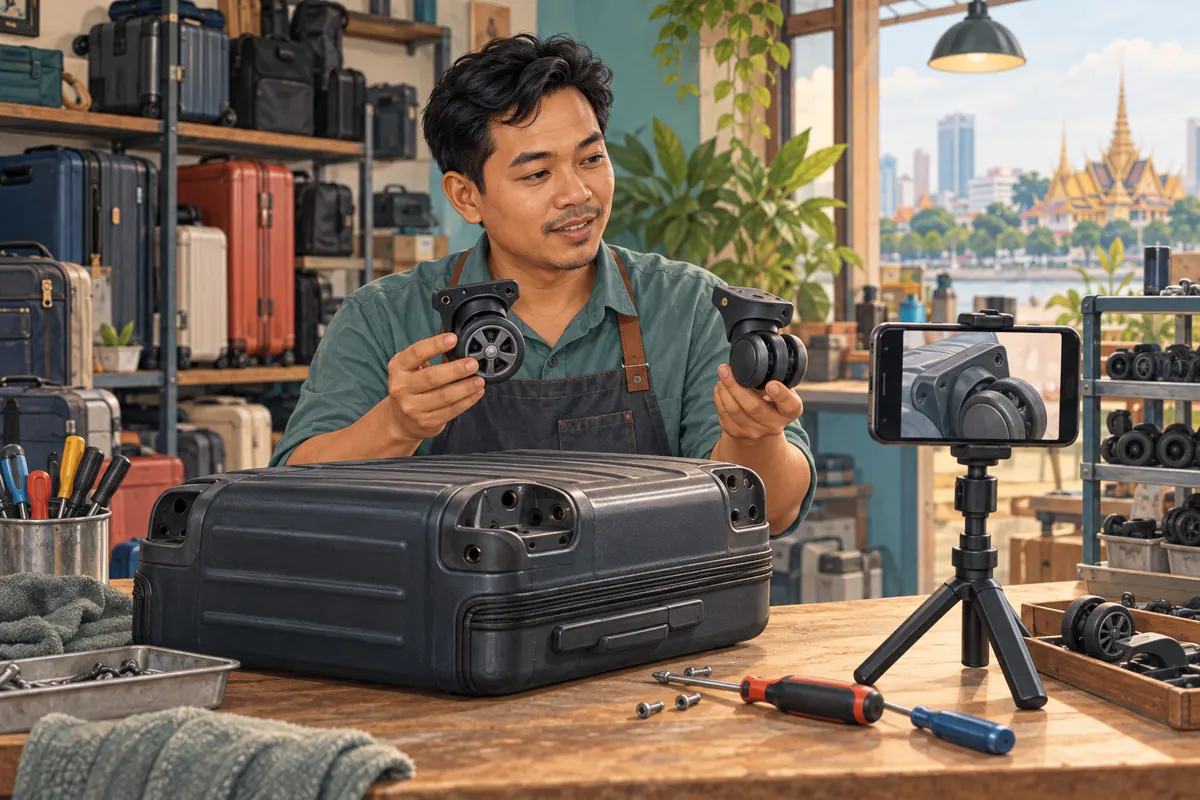
A customer asks whether your shop can replace a suitcase wheel, but your YouTube demonstration covers several different attachments. Sending the whole video leaves them searching for the relevant comparison. Sending a close-up without context can make the wrong bracket look suitable. A carefully chosen timestamp helps connect the question to a useful explanation. For Cambodian repair businesses promoting demonstrations through social posts and customer conversations, this is a practical content task to complete before considering an SMM panel service. The aim is to help someone understand what to photograph or ask next, while keeping repair suitability, availability and booking decisions separate.
1. Define the question the shared moment should answer
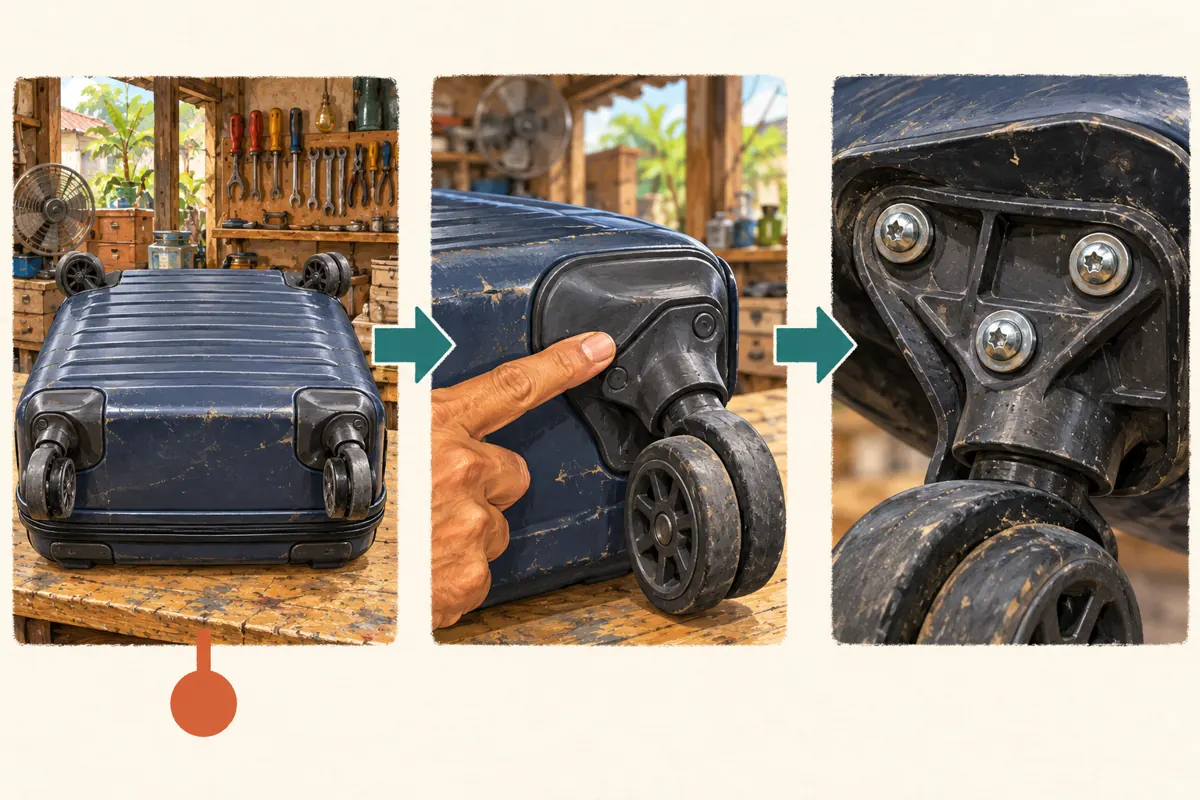
Start with the customer's uncertainty. Are they asking about the wheel itself, the plastic housing, or the attachment to the suitcase shell? Those questions may need different parts of the same demonstration. Write a short internal label such as “identify the mounting plate” before choosing a starting point. This keeps the reply focused on a visible feature instead of a broad promise that the shop repairs every suitcase.
Consider a hypothetical Phnom Penh workshop with a demonstration comparing two wheel assemblies. One viewer sends a side photograph and asks whether a replacement is available. The useful response shows where to find the mounting plate and requests a clearer photograph. It does not jump directly to the finished repair, which could imply that compatibility has already been established. Choose the moment that helps the customer supply missing information.
2. Choose a starting point that preserves identification
Watch the proposed segment without relying on anything said earlier. Can someone identify which suitcase corner is being shown? Is the relevant bracket visible before the presenter points to a screw? Does “this one” have an obvious meaning? If the answer is unclear, move the starting point earlier. A few extra seconds of orientation can be more useful than an extremely precise jump into an unexplained detail.
In a hypothetical demonstration, the presenter introduces the bracket at 1:42 and shows the fasteners at 1:56. Starting at 1:42 may make more sense even when the customer asked about the fasteners. These times are illustrative, not recommended settings for another video. Also review what follows the answer. If the next scene shows a different assembly, the accompanying message should make that transition clear rather than suggesting every later example matches the customer's case.
3. Create the timestamp link using YouTube's sharing control
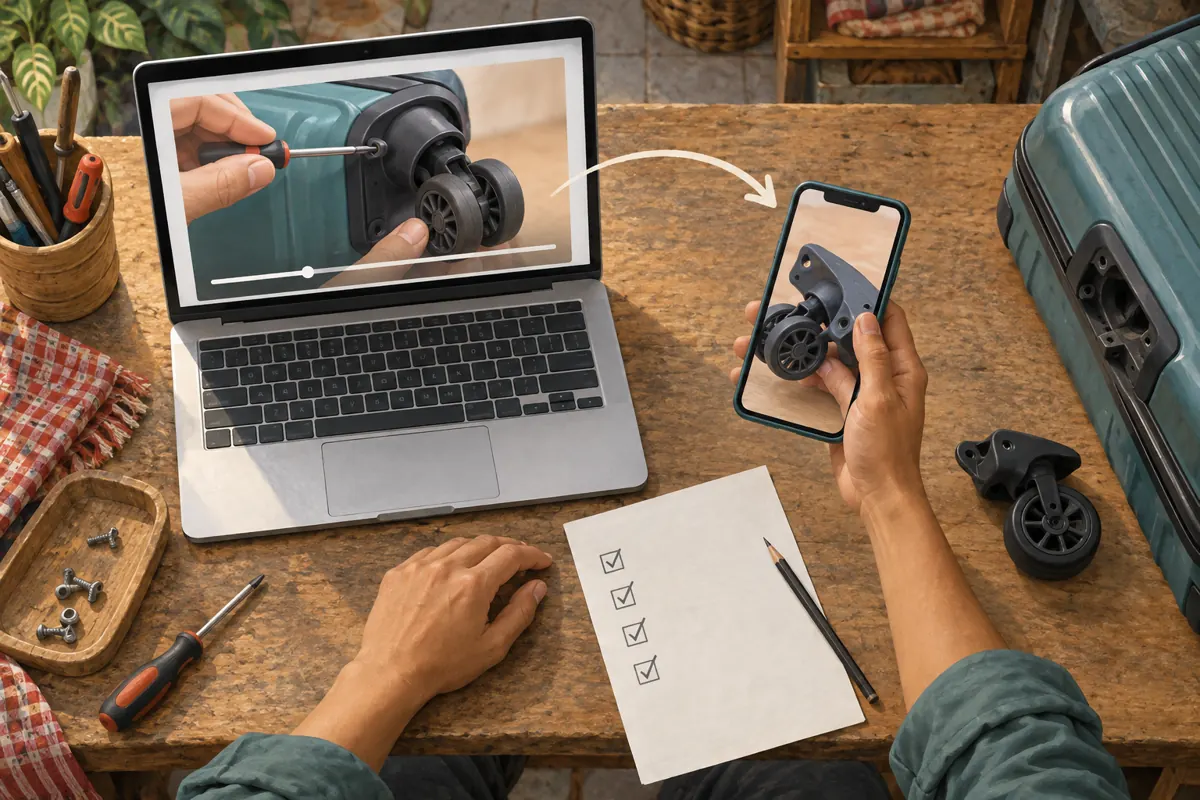
YouTube's official computer instructions describe a straightforward method: open the video, select Share, enable Start at, enter the intended time and copy the link. Use that generated link in your draft reply. The supporting page is YouTube Help's “Share videos and channels,” listed in the sources. This documented desktop method gives staff a consistent preparation workflow without requiring them to construct or edit URL parameters.
Record the chosen time beside the copied link in your internal note. Then compare it with the actual scene before approving the message. Avoid selecting a time only because the paused frame looks attractive; the opening spoken sentence matters too. If staff prepare the link on one device and send it from another, carry over the complete copied address. Treat any manually shortened or retyped version as a new item that needs testing.
4. Write a message that explains why the moment matters
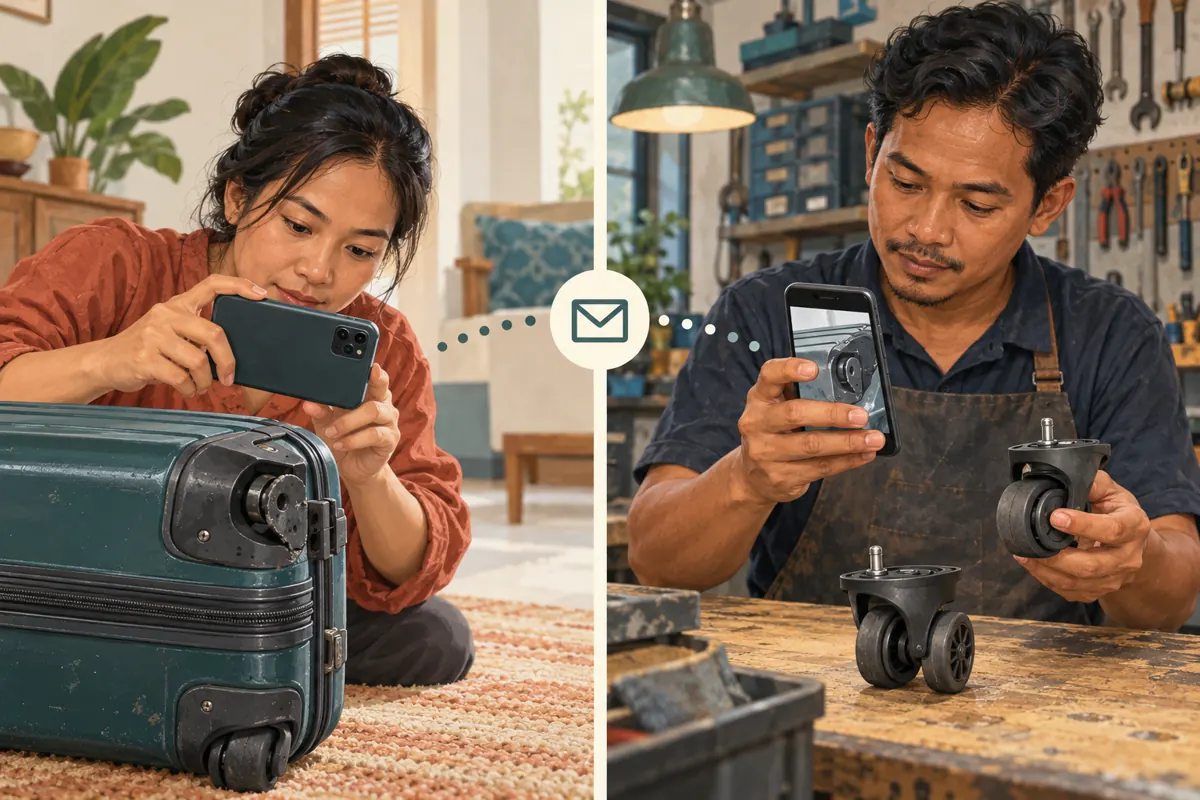
A timestamp link needs a reason to open it. State what the viewer will see and what you need afterward. A hypothetical reply could read: “This part shows where the wheel housing meets the suitcase. Please compare the outer shape, then send a clear photograph of that area on your case. We still need to check the attachment before confirming a replacement.” This gives the video a specific role in the conversation.
For a customer who prefers Khmer, prepare the surrounding reply in Khmer and have a fluent staff member check the part terminology. Keep any actual model code unchanged. If the demonstration's spoken language differs from the reply, explain what visible detail to watch for. Do not assume the viewer will understand a technical phrase simply because the picture is clear. A short, accurate description often resolves more confusion than adding several alternative links.
5. Test the exact route the customer will use
Paste the draft into the messaging channel you intend to use and open the resulting link on a phone. Check the destination, the opening scene and whether the relevant detail is visible at ordinary viewing size. Test from a viewing session that does not depend on the shop owner's account access. This is a practical recipient check, not evidence that every possible device will behave identically.
Keep a readable fallback in the message, such as “the bracket comparison begins at 1:42,” using the actual verified time. If the tested route opens at the beginning, the customer still has a clear reference. Record the specific failure instead of declaring the whole feature broken: for example, “our copied reply opened the correct video but not the intended scene.” Recreate the link through Share and test again before reusing the template.
6. Decide whether to share a moment or the full explanation
Use a timestamp when the viewer has a narrow question and the selected passage makes sense independently. Use the full introduction when the viewer needs to distinguish several types of damage before choosing a relevant example. If essential qualifications appear earlier, include them in the reply or start earlier. The decision should follow the customer's information needs, rather than a general preference for making every interaction shorter.
For a broad public promotion, explain the scope of the demonstration before inviting viewers to watch a selected moment. A post about identifying wheel attachments should not imply that all replacements are stocked. For an individual conversation, tailor the link to the photograph or question already received. Avoid posting identical timestamp replies under unrelated comments. Relevance comes from matching the explanation to the problem, not from distributing the same address as widely as possible.
7. Keep SMM service labels separate from useful customer actions
The supplied catalogue includes “YouTube Like ~ Max 100k ~ 50k/days ~ Instant ~ 𝐍𝐎 𝗥𝗘𝗙𝗜𝗟𝗟”. Its title identifies a likes offering, but the brief supplies no supporting description. The embedded quantity, speed and refill wording should therefore remain unverified catalogue claims. Nothing supplied establishes that it helps viewers understand a wheel attachment, reaches Cambodian customers or produces repair enquiries.
YouTube's official fake engagement policy prohibits artificial increases in engagement and warns that a hired promoter's actions can affect the channel. Review the actual method before any purchase and do not proceed with artificial engagement. Purchased engagement is not evidence of genuine interest, sales, ad delivery or Cambodian users. For this workflow, a useful outcome is a relevant customer response, such as a clearer bracket photograph. A catalogue delivery record cannot establish that outcome.
8. Keep a small reference list staff can maintain
Create one internal entry per recurring question, with the video title, ordinary video link, timestamp link, visible part, suggested reply and review date. Add the staff member responsible for checking technical accuracy. Keep the labels understandable to the person answering messages: “photograph the wheel housing” is more useful than an unexplained internal campaign code. A short list of carefully checked answers is easier to maintain than dozens of near-duplicate entries.
When the demonstration changes, recheck each affected entry against the current footage. Do the same when staff discover that a template repeatedly produces the wrong photograph. Keep customer names and private order details out of this reusable reference list. If a promotion task also has an SMM panel record, store its reference separately and state its purpose accurately. The customer's viewing aid and a service order have different jobs.
9. Look for understanding before drawing business conclusions
Review the next meaningful action in the conversation. Did the customer send the requested angle? Did they identify the correct area? Did they ask a more specific follow-up? Note the answer in plain language. These observations can guide improvements to the reply, but they do not automatically establish that the video caused a sale or that the same wording will work for everyone.
A hypothetical Siem Reap shop might find that customers keep photographing the rolling surface when staff need the mounting plate. That suggests changing the selected moment or rewriting the photo request. It does not justify claiming that the promotion failed simply because an immediate booking did not follow. Keep enquiry, compatibility assessment, quotation, customer acceptance and completed repair as separate stages. Use actual records for those stages, and leave uncertain attribution uncertain.
10. Correct the mistakes that make precise links confusing
Common mistakes include beginning halfway through a sentence, showing a similar but different assembly, omitting the reason for the link and promising compatibility from appearance alone. Another is treating the shared moment as a complete diagnosis. Before sending, ask a colleague unfamiliar with the video to explain what the customer should do next. If they cannot answer, revise the message or choose a better opening scene.
Avoid overloading the reply with requests for a model number, measurements, several photographs and a visit all at once. Ask first for the information that determines the next decision. For example, request a clear external bracket photo before discussing a replacement quotation. Do not ask customers to dismantle a case merely to follow a promotional video. If the relevant feature cannot be checked clearly, explain that the shop needs to inspect it before confirming the work.
Frequently asked questions
Should the link begin exactly when the presenter touches the relevant screw?
Only if the viewer already has enough context to identify the assembly. Otherwise, begin with the bracket introduction or a wider view. Precision is useful when it reduces confusion; a technically exact jump can still be a poor answer if the first words or image depend on an earlier explanation.
What should staff send if the timestamp does not work in their test?
Recreate and retest the link first. If the intended route still opens at the beginning, send the ordinary video link with the verified time and a clear description of the scene. Do not promise automatic positioning when your own test did not confirm it.
Can one saved timestamp reply serve every wheel-repair enquiry?
It can support a recurring identification question, but staff should compare it with the actual enquiry before sending. A damaged wheel, cracked housing and loose attachment are different observations. If the saved passage does not address the customer's uncertainty, choose another explanation or request more information.
Does receiving a photograph mean the customer has booked a repair?
No. A photograph supports assessment. Staff still need to establish what work is possible, confirm relevant availability, communicate a quotation and obtain the customer's agreement. Keep those decisions explicit, particularly when the customer is arranging travel to the shop or sending the suitcase from another province.
How can a small shop review this workflow without a complicated dashboard?
Keep brief notes on whether the reply produced the requested information and what remained unclear. Periodically review unresolved examples with the repair technician. Change one weak instruction at a time, then observe subsequent conversations. Avoid turning a few helpful exchanges into a claimed conversion rate or a broad performance promise.
Explore the current service catalogue, create an account, or ask a specific question through support tickets.
Prepared with AI assistance. Illustrations explain the workflow and do not represent customer results.