21/10/2026 23:44
Upload the Demo or Manage the Channel? YouTube Permissions for Cambodian Workwear Shops

A Cambodian workwear shop hires a freelancer to turn apron footage into a useful YouTube demonstration. The arrangement sounds simple until someone asks for channel access. Does the freelancer need to upload the finished video, review its performance, or only deliver an edited file? Those are different jobs, and treating them as one broad permission can create avoidable confusion. This guide follows a hypothetical Phnom Penh workshop preparing a pocket-and-strap demonstration. It explains how to define the assignment, choose an access arrangement, approve the finished content, and close the project. For shop owners who also browse an SMM panel, it separates permission to work on a channel from permission to purchase promotion or make claims about results.
1. Describe the assignment before discussing access
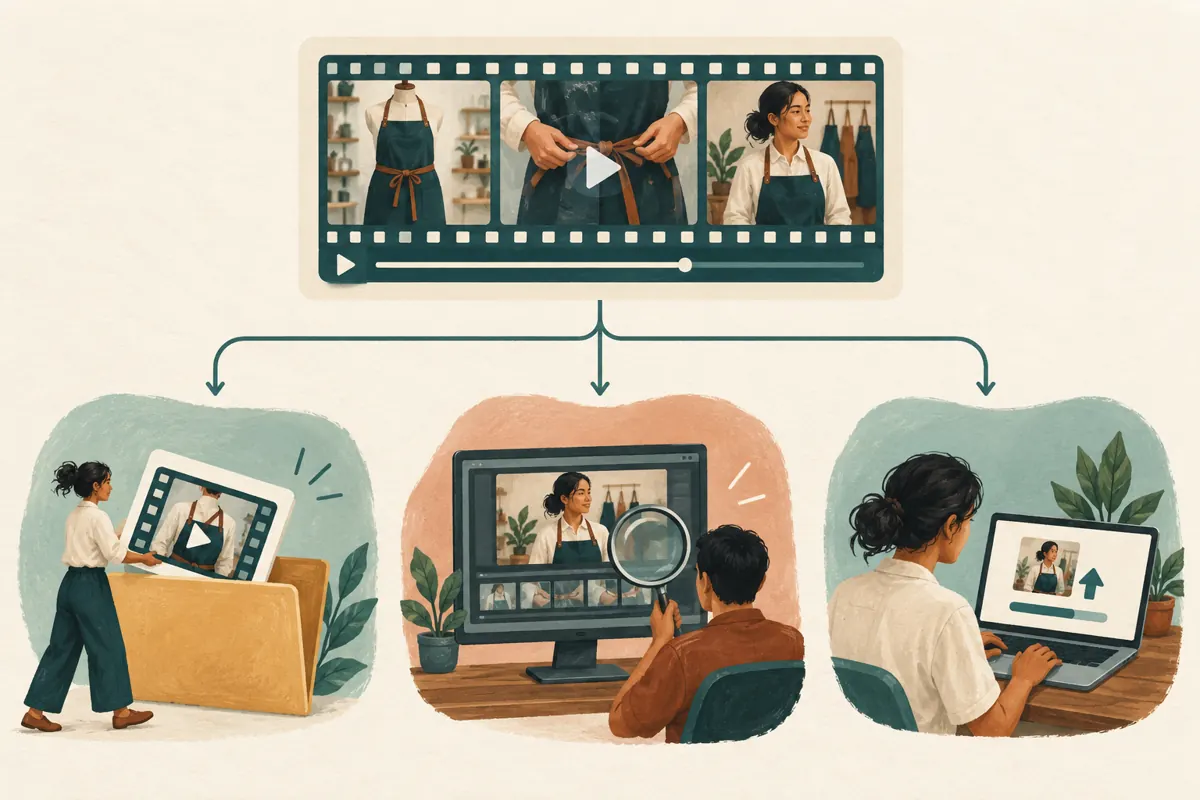
In this hypothetical example, the workshop sells aprons to small cafés and repair businesses. Its owner wants a demonstration showing how the waist ties fasten and what fits inside the front pocket. The freelancer is responsible for editing footage, balancing spoken audio, and preparing a thumbnail. None of those deliverables inherently requires working inside the shop’s channel.
Write the assignment using concrete verbs: edit, deliver, upload, revise, publish, or review. Avoid a brief that merely says “handle YouTube.” Add who confirms product details and who answers enquiries after release. If the owner will upload the finished files, say so. If the freelancer must prepare the upload, define that additional responsibility before selecting any account role.
2. Decide whether channel access is necessary
Start with a practical question: can the person complete the assignment using supplied footage and an ordinary review copy? A thumbnail designer can return an image file. A Khmer-speaking proofreader can review the script and exported captions. A shop assistant can check whether the sample matches the current product. Keeping these tasks outside the channel can simplify coordination without slowing production.
Direct access becomes relevant when the assignment genuinely involves work inside YouTube. YouTube’s official permissions guide explains that collaborators can receive channel access without receiving the owner’s Google Account credentials. For this workshop, the owner should compare the convenience of delegated work with the effort of uploading the approved files personally. Choose the arrangement that fits the actual workload, not the freelancer’s general job title.
3. Read the role name carefully
YouTube states that Editors can upload and publish, but cannot manage permissions or delete published content. Editor (Limited) retains Editor capabilities while excluding revenue data. Managers can manage permissions and delete content. Viewer (Limited) provides viewing access without revenue data. These distinctions come from YouTube’s channel permissions guide, listed in the sources.
For the hypothetical workshop, an Editor arrangement deserves consideration only if the freelancer needs the associated capabilities. The word “Limited” should never be interpreted as an approval requirement. Decide separately whether the owner is comfortable entrusting publication to this person. If every release must remain under the owner’s direct control, a file-delivery arrangement may be easier to manage than relying on instructions alone.
A useful internal note records the task, selected role, reason, and review date. Keep it short enough that someone covering the shop can understand the decision. “Preparing this apron demonstration” is clearer than “marketing access,” which leaves the scope open to interpretation.
4. Invite the intended person and check the working setup
On a computer, YouTube documents this invitation route: Studio, Settings, Permissions, Invite; enter the email, choose access, and complete the invitation. Invitations expire after 30 days. Some delegated actions are unsupported, and Brand Account arrangements may require migration to channel permissions.
Confirm the collaborator’s intended email through your existing conversation before entering it. Ask them to identify the shop channel they see and describe the agreed task. Arrange a small, reversible first task, such as preparing the title wording for owner review. This checks mutual understanding before the team relies on the arrangement during a busy release.
If something is unavailable, record the exact task, device, and screen where the problem occurs. Consult the official guidance before changing access. A failed action is a troubleshooting clue, not a sufficient reason to grant a broader role. The owner can also handle that particular step while the freelancer continues editing.
5. Create an approval note tied to the actual product
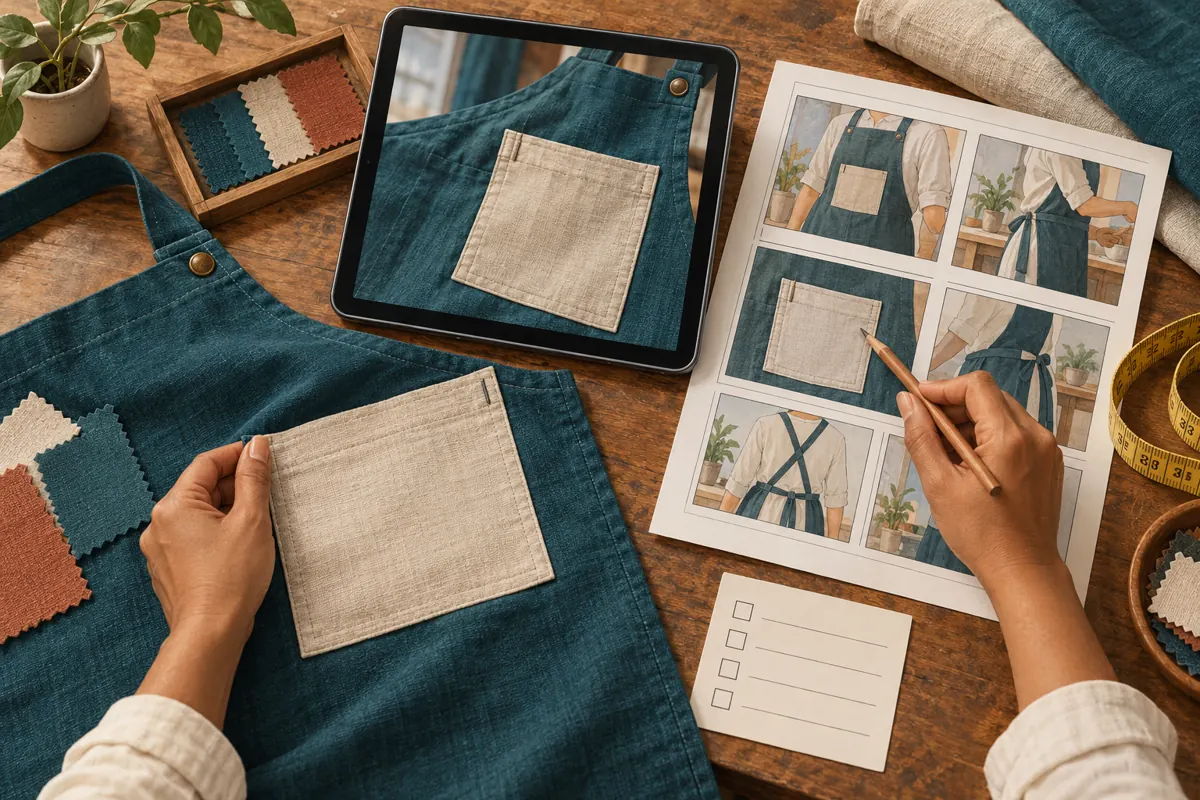
The workshop’s approval note should identify the apron shown, the final video version, the proposed title, and the person checking each commercial detail. In this hypothetical case, the owner confirms that the demonstrated pocket belongs to the standard apron, while embroidery is optional. The editor should not have to infer those facts from a folder of similar product photographs.
Use a specific response such as “Approved for the standard apron after the embroidery wording is corrected.” A thumbs-up sent between several preview messages may leave everyone uncertain about which version was accepted. Record unresolved issues next to the affected scene so the editor can find them quickly.
For Cambodian customers, check the language used in the demonstration against the language staff can support during enquiries. If the video invites viewers to request a quotation, confirm who will answer and what product information they need. This is an operational decision for the shop, not a task to leave to the person exporting the video.
6. Separate content access from promotion spending
A person authorised to prepare the video should not have to guess whether they can also spend the shop’s promotion budget. Define spending authority in the brief. For the hypothetical workshop, the editor delivers the creative work, while the owner decides where to share the finished demonstration and whether any paid distribution is appropriate.
The supplied public catalogue includes “Youtube Shorts Likes | Max 50k | 5k-10k/Day | 𝐍𝐎 𝗥𝗘𝗙𝗜𝗟𝗟”. Its label refers to Shorts likes, but the supplied description is empty. That does not establish delivery methods, audience origin, genuine-user participation, or suitability for this workshop. The quantities and speed wording in the name are catalogue claims, not verified outcomes.
YouTube’s fake engagement policy prohibits artificial increases in engagement metrics and says a hired promoter’s actions can affect the channel. Do not commission artificial engagement. Purchased engagement is not evidence of Cambodian viewers, genuine interest, sales, or advertising delivery. Channel permissions do not resolve that policy issue.
Before considering any external promotion proposal, request a plain explanation of the work and the method. If the proposal depends on artificial metric inflation, decline it. The shop can instead concentrate on a demonstration worth sharing with existing customers and relevant contacts who have a reason to consider the product.
7. Rehearse the handoff before the release window
Set a short review session while both the owner and editor are available. Open the agreed version, compare it with the physical sample, and walk through the expected customer question. In the hypothetical workshop, that question is whether a café order can use the same pocket layout across different apron colours. The owner checks the answer before anyone promotes the video.
Agree what happens if approval arrives late. A sensible rule is to postpone distribution when a product claim remains unresolved, rather than letting the calendar decide. Give the editor a named contact for urgent corrections and a clear stopping point. “Send the revised preview and wait for the owner’s response” is more useful than “make any final changes needed.”
8. Keep a small record of decisions
Maintain one project note containing the approved file version, publication responsibility, final public link when available, and any outstanding correction. Add the collaborator’s access review date. Keep account credentials and unnecessary personal information out of this document, especially if it will be shared with a designer or another supplier.
When a question appears after release, record its substance rather than treating every interaction as a sales lead. “Asked whether embroidery is included” helps the shop improve its explanation. “Interested buyer” adds an interpretation that may be wrong. Similarly, an external service receipt documents a transaction; it does not establish that the video persuaded local customers.
The note should help someone make the next decision. If it becomes a long transcript of every chat message, shorten it to the facts that affect the product explanation, responsibilities, and unfinished work.
9. Correct the mistakes that cause access to expand
One common mistake is using a broad role as a shortcut when the task is poorly defined. Clarify the missing action first. Another is allowing a temporary arrangement to continue simply because nobody scheduled a review. Give every short project a closing date, even when the freelancer is likely to return.
A third mistake is combining creative approval and commercial approval. An editor can confirm that the video plays smoothly while the owner still needs to check the offer. A fourth is treating a supplier’s catalogue label as sufficient evidence for a promotional claim. Keep the commercial facts tied to information the shop can actually support.
Finally, avoid blaming access settings for every coordination problem. If two people keep changing the title, the missing control may be a named final decision-maker. If the wrong sample appears, the source folder may need clearer product references. Solve the underlying workflow problem before changing permissions.
10. Close the assignment and preserve the useful work
Before closing the project, collect the agreed final files, thumbnail, caption material, and outstanding notes. Ask whether any promised revision is unfinished. Store the assets where the shop can find them for a future product update, using names that distinguish the approved version from earlier exports.
YouTube’s permissions guide documents changing a role or removing access through Settings and Permissions. Review access when the assignment ends.
For this hypothetical workshop, the closing decision depends on whether more channel work is actually scheduled. A continuing relationship can have a new written scope and review date. An occasional freelancer can finish with a clean handoff. Either way, the owner should know who is responsible for the next update, where the source material lives, and which customer questions still need a better explanation.

Frequently asked questions
Should a freelancer who only edits footage receive channel access?
Usually, a file-delivery arrangement is enough for that assignment. Supply the footage, product facts, and expected output, then review the returned video. Add channel work only when it solves a concrete operational need. This also makes the handoff easier if the shop later changes editors.
How can a busy owner keep approval practical?
Reserve a brief review window and concentrate on the facts only the shop can confirm: the product variant, included features, optional work, and enquiry instructions. Ask the editor to collect unresolved questions in one message. Approve a named version so that a later export is not mistaken for the reviewed file.
What should happen when the freelancer cannot complete a task?
Ask for the exact action and what happened, then compare that with the current official guidance. Decide whether the owner can perform the step or whether the assignment needs revision. Do not broaden access simply to see whether the problem disappears; first establish that the additional capability is needed.
Does a panel service name prove it can reach Cambodian buyers?
No. The supplied Shorts-like listing has no supporting description, and its name does not establish audience location or buying intent. Assess a proposed method independently of its label. For the shop’s own review, record actual product enquiries and confirmed orders separately from platform counters or supplier delivery records.
What if the same editor returns next month?
Keep the creative brief and final assets ready for reuse, then define the next assignment when it is confirmed. Decide whether continuing access is justified by scheduled work. Familiarity with the editor is useful, but the shop still benefits from knowing what they are expected to do and when that responsibility ends.
Explore the current service catalogue, create an account, or ask a specific question through support tickets.
- YouTube Help: Add or remove access to your YouTube channel with channel permissions
- YouTube Help: Fake engagement policy
Prepared with AI assistance. Illustrations explain the workflow and do not represent customer results.