19/10/2026 06:19
From YouTube Short to Suitcase Guide: A Related-Video Workflow for Cambodian Shops
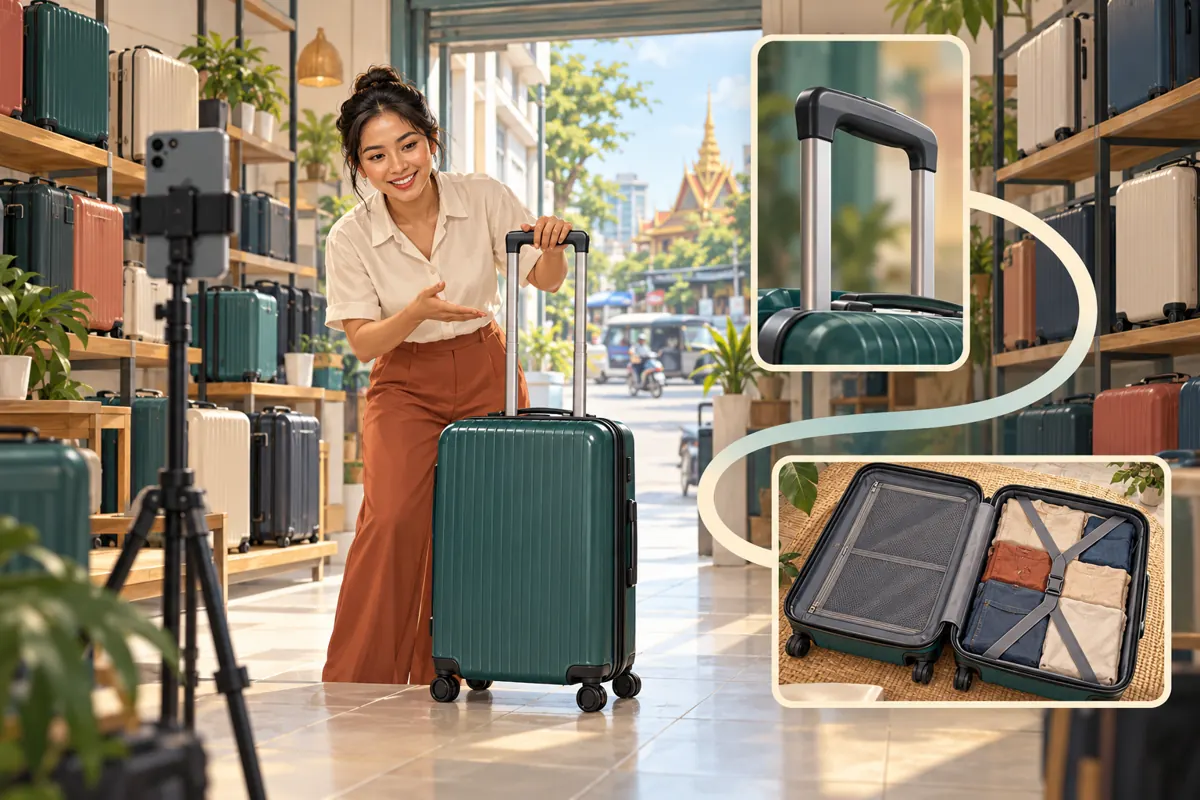
A short suitcase demonstration can answer one question while leaving a shopper with several more. Someone sees the handle extend, then wants to examine the compartments, understand the size or watch the wheels move. For a Cambodian luggage shop, the useful next step is a relevant demonstration that continues the explanation. This article follows a hypothetical Phnom Penh shop connecting a YouTube Short to a fuller guide through the related-video feature. It explains how to choose the destination, prepare an honest invitation, test the connection and assess promotion options without confusing purchased engagement with customer interest.
1. Start with the question that comes after the Short
In this hypothetical example, the shop films a Short showing how a suitcase handle extends and locks into position. The clip answers that specific question completely. Its natural follow-up is a practical tour of the same suitcase: opening it, showing the compartments and demonstrating how it moves. That connection gives the viewer a reason to continue without requiring an exaggerated promise.
Write the intended transition before selecting any video: someone who has just watched this handle demonstration may next want to see the inside of this model. Ask a colleague whether that next question feels plausible. If the proposed destination instead advertises unrelated backpacks, the connection is weak even if that upload is newer or more popular. Choose according to the viewer’s likely task, rather than the shop’s desire to push a particular upload.
2. Understand the feature and check access
YouTube’s related-video feature places a clickable link below the channel handle in the Shorts player. The destination comes from your own channel and can be a video, Short or live content. Adding it requires advanced feature access; the selected content must be public or unlisted and comply with Community Guidelines. These requirements are documented in YouTube Help’s Add a related video to your YouTube Shorts: https://support.google.com/youtube/answer/14075157?hl=en.
Check availability before recording a spoken instruction about the link. If the option is unavailable, consult YouTube’s current access guidance instead of assuming that an SMM order will unlock it. The editorial plan can still proceed: finish a useful standalone Short and prepare the complementary guide. Hold the specific invitation to tap the related video until you can configure and verify that connection.
3. Select a destination that earns the extra viewing time
Review the destination from its opening frame. Does it immediately identify the suitcase shown in the Short? Does it provide the promised additional information? A lengthy shop introduction followed by a different model creates unnecessary uncertainty. Prefer an opening that shows the same product and states what the demonstration covers. The viewer should not need to search through a general catalogue presentation to find the relevant bag.
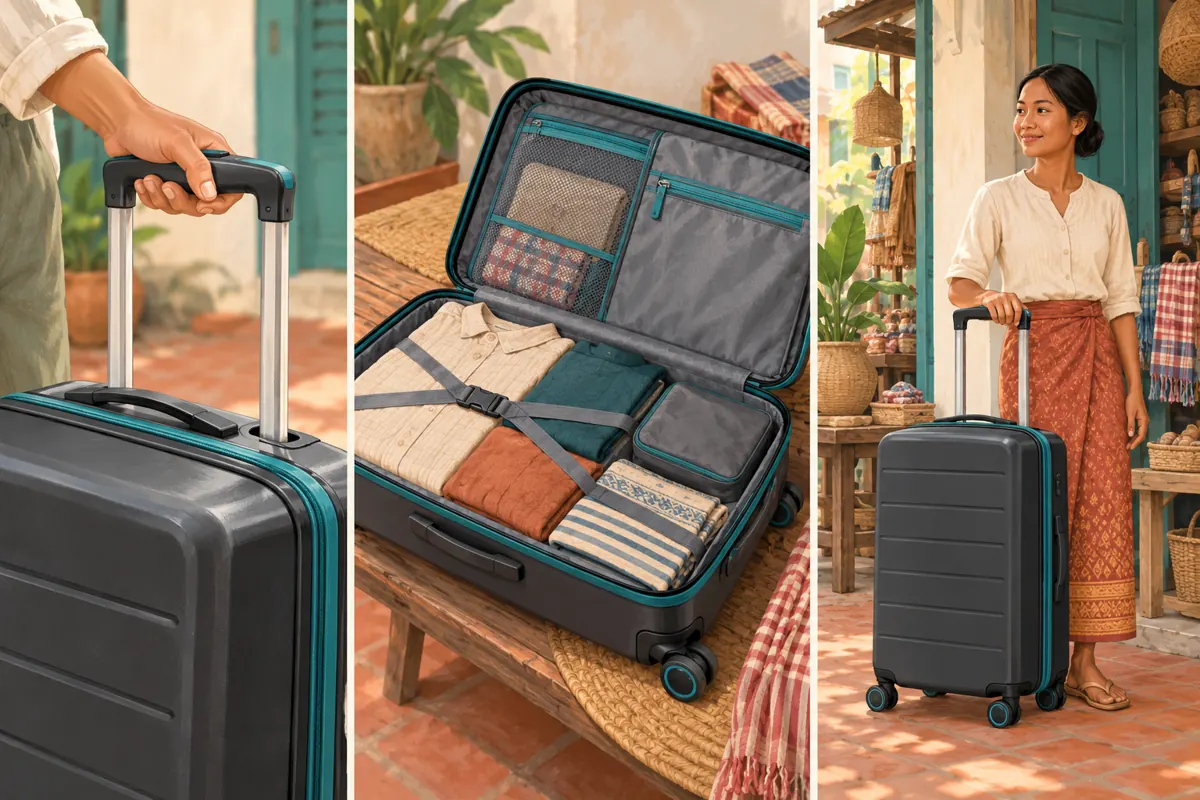
For the hypothetical shop, a suitable guide shows the interior, explains the compartments and demonstrates the handle and wheels under clearly described conditions. Show actual dimensions when verified, and distinguish measurement from visual impression. Do not turn a suitcase’s size into an unsupported claim that every airline accepts it. The guide should explain what the shop can establish and leave carrier-specific baggage decisions to the relevant current airline guidance.
4. Make the Short useful before asking viewers to continue
A related video should extend the answer, not rescue an incomplete clip. Show the handle mechanism clearly enough that the Short fulfils its own promise. Avoid stopping immediately before the useful action simply to force another tap. Someone who only wanted to understand the handle should be able to leave with that answer; someone comparing products can choose the fuller demonstration.
Use one accurate closing invitation. In this hypothetical script, the presenter says: the linked guide shows the inside and wheels of this same suitcase. Adapt that sentence into the language the intended viewers understand. For a Khmer-speaking audience, have a fluent speaker check the meaning and delivery. Avoid stacking requests to subscribe, comment, visit the shop and watch another video into the same closing moment. Give the next viewing step enough attention to be understood.
5. Add the connection and test the actual route
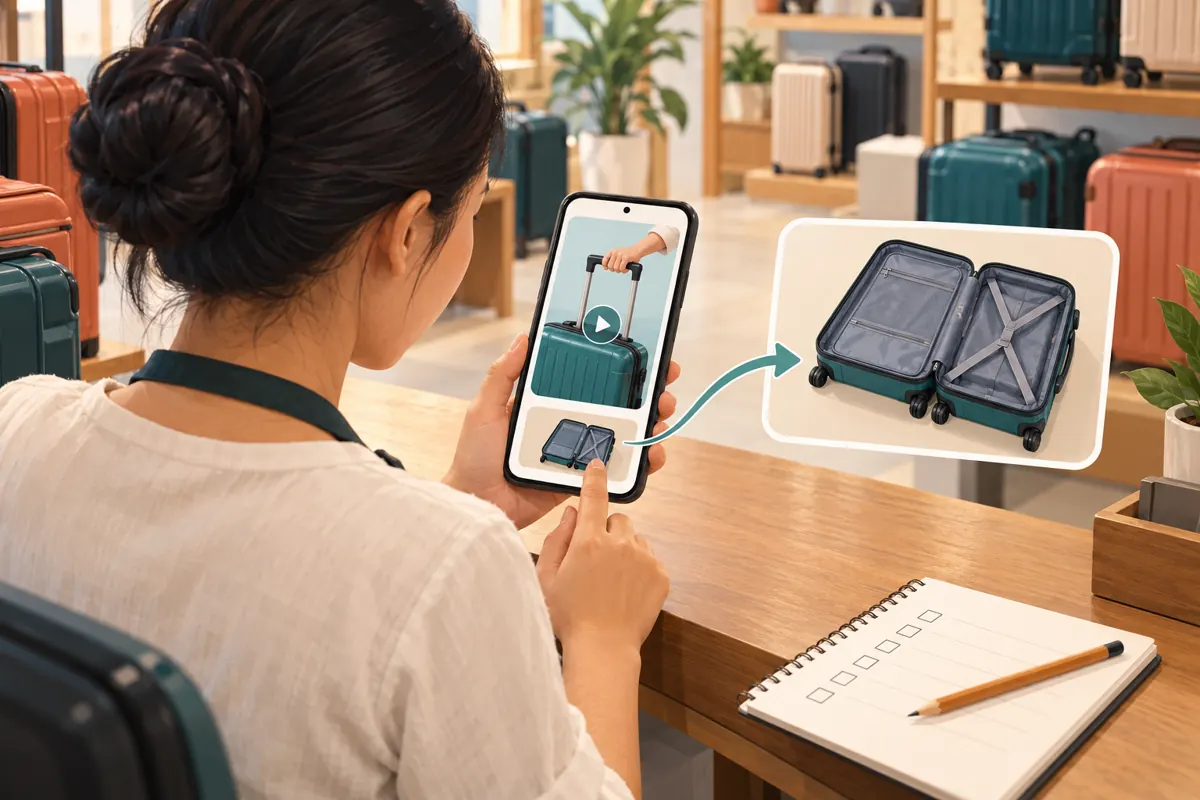
After uploading the Short, open YouTube Studio, select Content, choose the Short, select the Related Video from your channel and save. Then inspect the Short as a viewer and follow the link. Confirm that the intended guide opens. This setup sequence follows the official related-video instructions cited above; the editorial acceptance test is whether the destination delivers the promised continuation.
Do not substitute a pasted description URL and assume the viewing route works. YouTube states that URLs in Shorts descriptions and comments are non-clickable, while the related-video link is clickable. See Sharing links with your audiences: https://support.google.com/youtube/answer/13748639?hl=en. Ask a colleague unfamiliar with the setup to try the journey on a phone. Observe where they hesitate without coaching them. Their difficulty may reveal an unclear invitation, confusing video title or unsuitable destination.
6. Give the Cambodian shopper a useful next decision
The fuller video should help someone decide what to ask or inspect next. For the hypothetical Phnom Penh shop, the closing instruction might invite viewers to identify the demonstrated model when asking about current availability. If customers can inspect it in person, explain how to find the shop’s confirmed contact and visit information. Avoid making the entire video depend on a temporary price or colour that may soon disappear.
Separate stable product explanations from details that require a fresh answer. The arrangement of compartments may remain useful, while stock and delivery options need confirmation. A viewer outside Phnom Penh may need a different fulfilment discussion from someone collecting locally. Do not imply nationwide delivery simply because the video can be watched throughout Cambodia. Give staff a short internal note explaining which product the guide covers and which details they must confirm when enquiries arrive.
7. Evaluate an SMM listing against the actual objective
The supplied tubekh.com catalogue includes the exact public name “Youtube ~ Adwords Views ~ Min 1M ~ Super Fast ~ 𝐋𝐢𝐟𝐞𝐓𝐢𝐦𝐞 ~ INSTANT”. Its accompanying description is empty. The title presents a views-related offering, but it does not establish the delivery method, advertising setup, audience location or suitability for this shop. Its wording alone is not evidence of Google affiliation, verified advertising delivery or Cambodian viewers.
The objective here is to help an interested viewer move from a specific demonstration to a relevant explanation. A views label does not establish that this movement will occur. Before considering a service, require a clear explanation of what is delivered and how. If the method remains unclear, do not proceed. Purchased engagement is not evidence of genuine interest, sales, ad delivery or Cambodian users, and no catalogue title repairs a weak connection between two videos.
8. Apply the platform-policy decision before spending
YouTube prohibits artificial increases in views, likes, comments and other metrics. Its policy also explains that a hired promoter’s actions can affect the channel, including removal consequences for violations. Check the official Fake engagement policy: https://support.google.com/youtube/answer/3399767?hl=en. A service being listed publicly does not establish that its methods comply with those rules.
Use a straightforward decision process. If a proposal depends on artificial engagement, reject it. If the provider cannot explain the method sufficiently to assess it, pause the purchase. If the task is ordinary production or promotion assistance, define the actual deliverable and check it against the relevant rules. The supplied catalogue does not establish that editing, translation or advertising-management services are available. The shop can complete this related-video workflow itself without buying an engagement package.
9. Review the explanation rather than declaring a sales result
After release, look for practical evidence that the two videos serve their purpose. Can a colleague follow the route without assistance? Do genuine questions refer to the model shown? Are viewers still asking for information the guide supposedly explains? These observations help identify what to improve. They do not prove that every enquiry came through the Short or that the related-video feature caused a purchase.
In a hypothetical review, staff notice that people continue asking where the interior pocket is located. The next action is to inspect that part of the guide: perhaps the camera angle hides it or the explanation moves too quickly. Change the unclear demonstration before increasing promotion. If other promotional activity occurred, record its timing separately. Avoid treating a simultaneous increase in video activity and shop enquiries as proof that one caused the other.
10. Prevent broken promises as the catalogue changes
Assign one person to review the connection when the featured product changes. A replacement suitcase may look similar while having different compartments or wheels. If the Short promises a guide to the same model, an apparently close substitute can still mislead. Review the spoken invitation, destination and current product explanation together before deciding whether the connection remains appropriate.
Common mistakes include sending every Short to the newest upload, linking to a broad promotional montage, assuming a pasted URL is clickable and interpreting purchased activity as demand. Another mistake is keeping an outdated invitation because the Short still receives attention. Keep a small record of the source Short, destination guide, promised extra information and last review. When the promise no longer holds, revise the connection or retire the outdated promotional message rather than allowing convenience to determine the viewer’s experience.
Frequently asked questions
Should every suitcase Short point to the same buying guide?
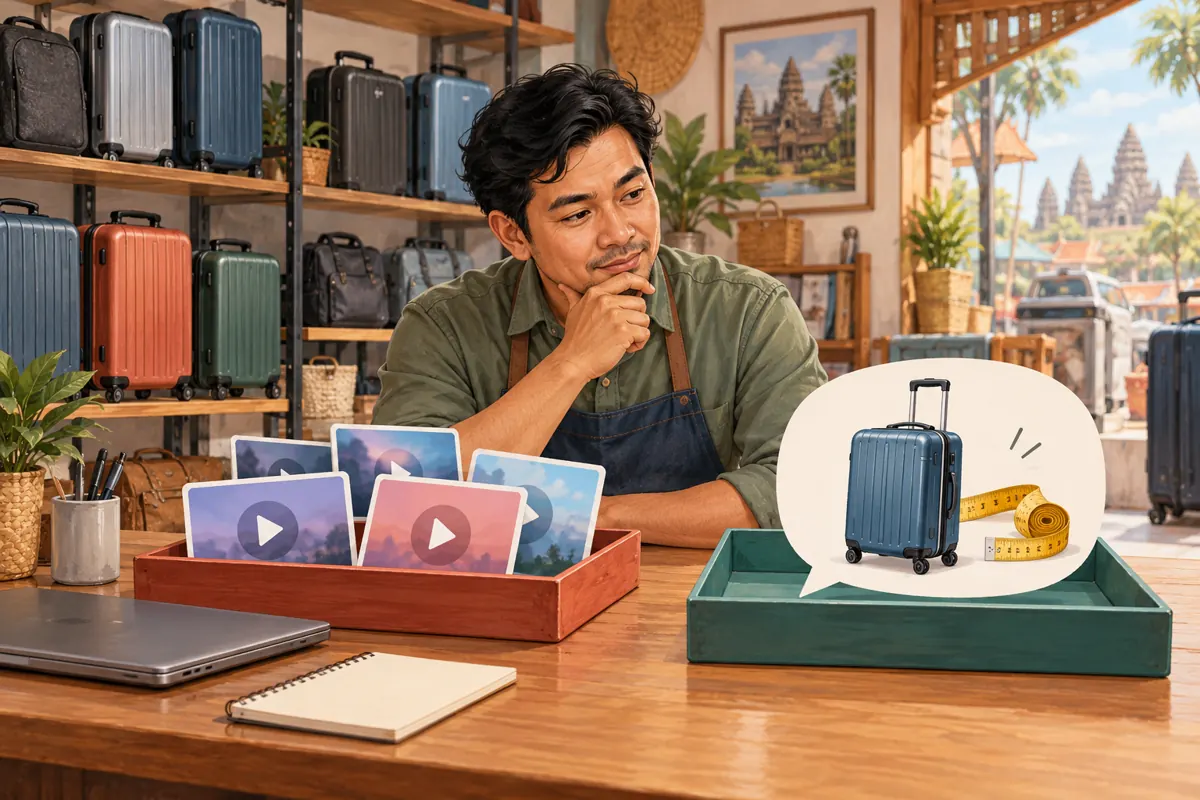
Only when that guide genuinely answers the next question raised by each Short. A general guide may suit several clips about one model, but a handle demonstration and a luggage-care lesson can require different destinations. Match the promise first. Reusing a destination is convenient, but convenience is not sufficient evidence that it helps the viewer.
What if the shop has no suitable longer video?
Keep the Short self-contained and plan the missing explanation. The destination does not need to be long simply to qualify as useful; choose the format that answers the question clearly. Do not connect an unrelated upload merely to fill the field. For a small team, filming one focused interior demonstration may be more manageable than producing a comprehensive catalogue tour.
Can an unlisted guide be used for confidential customer information?
Treat any guide linked from a promotional Short as material intended for viewers to access. Although YouTube permits an unlisted related-video destination, that is not a reason to include customer names, private order details or internal pricing discussions. Prepare a clean product demonstration suitable for its audience, regardless of the visibility setting you select.
Will buying views make people follow the related-video link?
There is no basis in the supplied service descriptions to promise that behaviour. A views-related listing does not establish that viewers will examine the product, follow the link or become Cambodian customers. Assess the delivery method against YouTube policy, and reject artificial engagement. Improve the relevance and clarity of the viewing route without treating purchased counts as a substitute.
What should the shop change first if the route feels confusing?
Test one complete journey with someone who did not help make it. Ask what they expected after the Short, then compare that expectation with the guide’s opening. Fix the first mismatch: the invitation, destination selection or opening explanation. Make one meaningful change at a time so the team can understand what became clearer before revising the entire campaign.
Explore the current service catalogue, create an account, or ask a specific question through support tickets.
- YouTube Help: Add a related video to your YouTube Shorts
- YouTube Help: Sharing links with your audiences
- YouTube Help: Fake engagement policy
Prepared with AI assistance. Illustrations explain the workflow and do not represent customer results.