20/10/2026 02:02
Is the Fan Really Quieter? A YouTube Audio-Review Workflow for Cambodian Shops
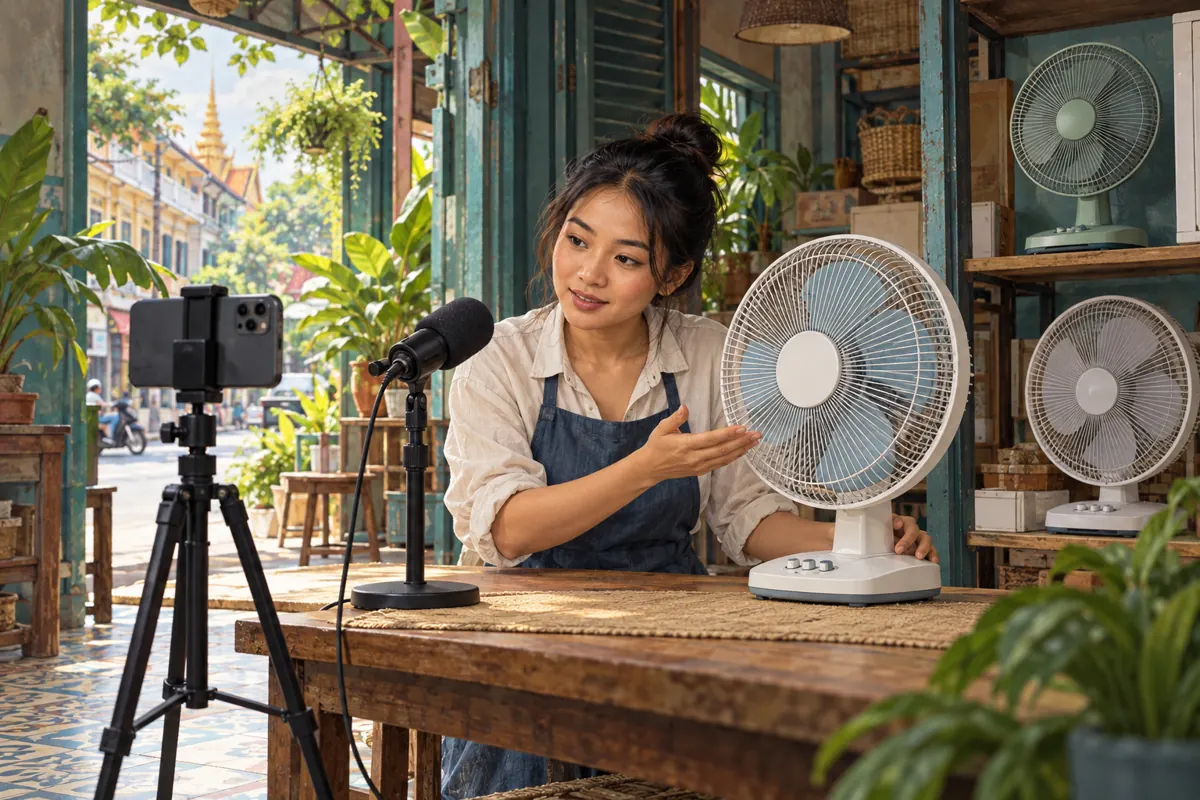
A fan can sound gentle in a shop video and distracting beside a customer's desk. The difference may involve the room, microphone, editing, playback device or listening settings. For Cambodian retailers promoting fans on YouTube, this creates a practical question: what can a recorded demonstration honestly help someone decide? This workflow helps a shop record useful listening samples, review YouTube's audio controls and describe the limits before sharing the video. It also explains why an SMM panel's engagement services cannot establish that a product is quiet, suitable for a bedroom or popular with Cambodian buyers.
1. Choose a question the recording can answer
Start with a narrow question such as, “What changes when this fan moves from its lowest setting to its next setting?” That gives the demonstration a visible action and an audible sequence. Avoid making the recording carry a broader promise such as “the quietest fan for every bedroom.” A customer's surroundings and preferences cannot be reproduced by a shop video.
In a hypothetical Phnom Penh shop, customers ask whether a desk fan makes a noticeable clicking sound while oscillating. The owner can show the oscillation control, record the movement and leave a clear listening interval. The useful result is a demonstration of that particular unit under stated conditions. It is not a certified noise test or a promise that every unit will sound identical.
Write the question at the top of the filming brief. Include the model identifier and the action being demonstrated so staff do not accidentally substitute another fan during filming.
2. Establish consistent recording conditions
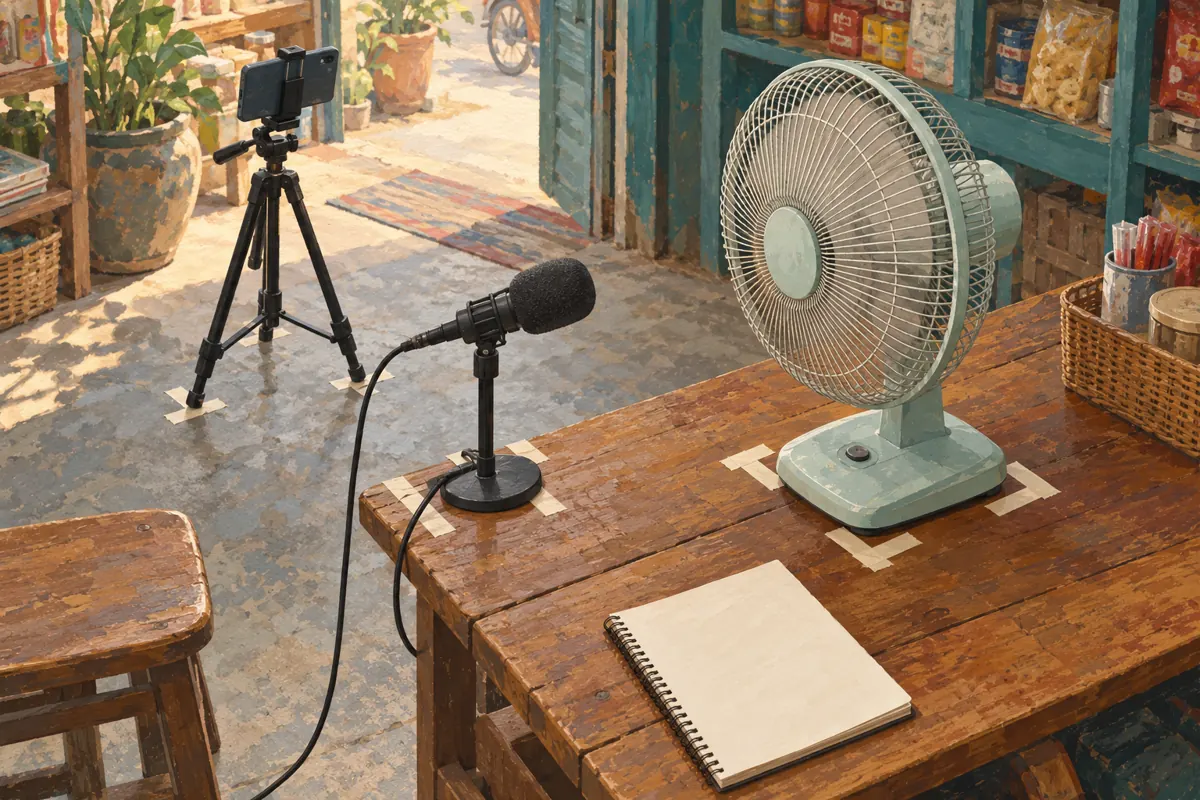
Choose a relatively quiet period and keep the fan, microphone and camera in fixed positions. Mark those positions with removable tape. Use the same surface throughout the demonstration, and note whether oscillation is enabled. Keep microphones away from direct airflow when possible: wind hitting the microphone can obscure the sound you intended to capture.
Before starting, listen for competing sounds from traffic, nearby appliances, music or conversation. Record a brief interval with the demonstration fan switched off so the editor can hear the room's background. If a motorcycle passes during the important listening segment, repeat that segment instead of treating the interruption as part of the fan's sound.
This is a practical consistency exercise, not laboratory testing. Keep safety guards installed and cords clear of movement. If the room or equipment changes between takes, record that change in the notes rather than presenting the clips as interchangeable.
3. Separate the explanation from the listening interval
Explain the model, control setting and next action before the listening interval begins. Then stop speaking and let the fan run without music. Show the control change clearly enough that a viewer can connect the sound to the setting. When narration resumes, describe what happened without telling the audience what they must have heard.
For example, the hypothetical shop could introduce the stationary setting, allow an uninterrupted sample, then demonstrate oscillation. A simple visible label can identify each state. Use Khmer narration and reviewed Khmer captions when that suits the intended customers; retain genuine model names exactly. An English article about the workflow does not require the shop's video to be in English.
Leave enough time for the sound to become understandable. Rapid cuts between product angles may look lively but can interrupt the very detail shoppers came to hear. Decorative editing belongs outside the listening intervals.
4. Review the exported file before blaming playback
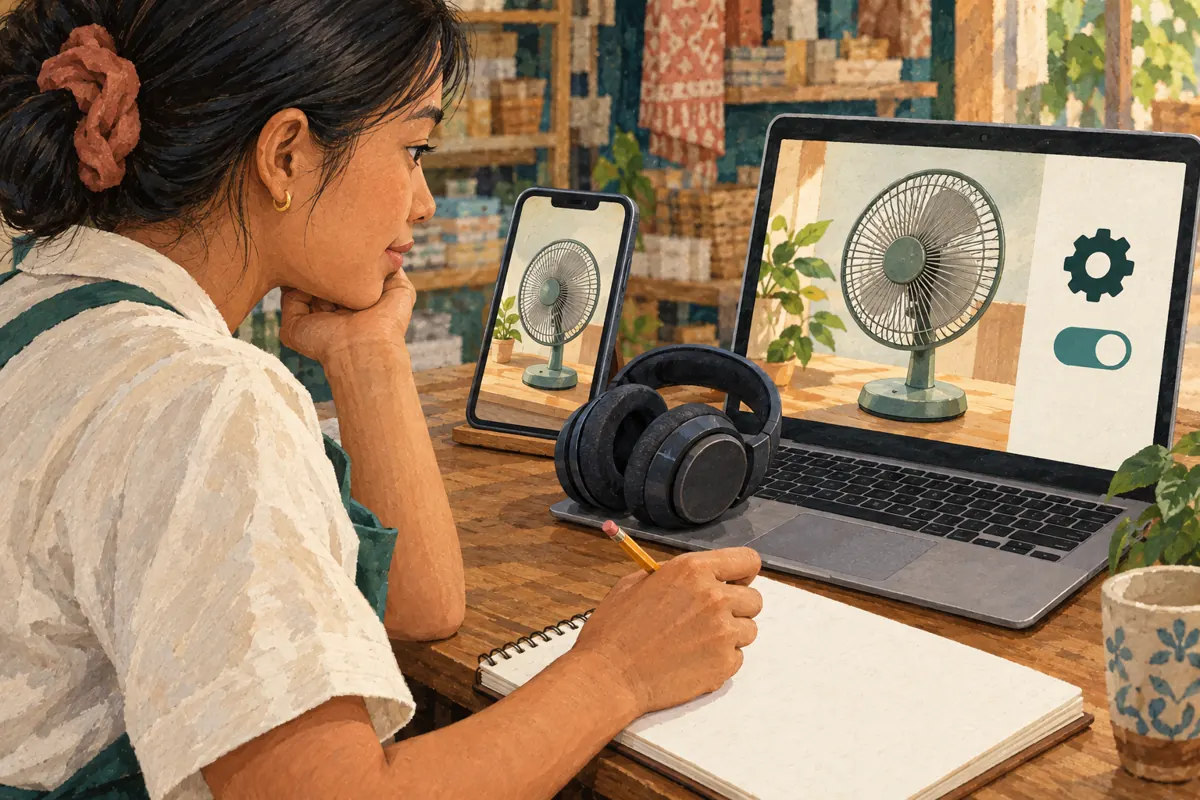
Listen to the finished local export before uploading. Check whether background music, noise reduction, automatic level adjustments or other editing choices changed the product sound. Ask the editor which processing was used. If they cannot explain the changes, avoid describing the export as an untouched recording.
Keep speech intelligible without deliberately making one fan sample seem softer than another. Preserve the original recording and an editing note so an unexpected result can be traced. If two products were recorded differently, explain the differences or record them again under consistent conditions. Matching the pictures alone does not make the audio comparison fair.
Use restrained wording for what the video demonstrates. “Listen to this unit operating at two settings” gives viewers a concrete task. “Proof of silent cooling” makes a much stronger claim that an ordinary recording cannot establish. Correct that mismatch before spending effort on promotion.
5. Check YouTube's channel audio-enhancement setting
YouTube says it may apply audio enhancements, including volume adjustments, Stable volume and Voice boost. Creators can manage the audio-enhancement setting on a computer through YouTube Studio: open Settings, then Channel, then Advanced settings; review “Let YouTube enhance audio quality” and save the chosen setting. The setting affects future uploads, not existing uploads or ads. YouTube also notes that individual accessibility settings may take precedence. The official reference is “Video & audio quality enhancements” in the sources.
Decide before uploading whether the channel primarily teaches through speech or asks viewers to listen closely to product sounds. For a channel built around listening demonstrations, consider disabling audio enhancements for future uploads, then review the result. Record the decision with the production notes. Because the choice applies at channel level, consider other planned videos too.
Disabling an enhancement is not a certification of acoustic accuracy. The microphone, recording software, export and viewer's speakers still influence the experience. Keep the video's promise limited even after choosing the setting carefully.
6. Check the viewer's listening controls
YouTube's “Control video volume on your device” help page explains that Stable volume balances quiet and loud passages and is normally enabled, although it is not available on every video. On Android, open the video's Settings, then Additional settings, to review its toggle. Voice boost, available on supported computer and TV playback, emphasizes speech and reduces background sound; it also balances quiet and loud passages. These controls are described in the official source below.
During review, note which controls are actually available. Listen to the same passage on the same device at the same comfortable device volume, changing only one available playback setting at a time. Then check another device separately. This helps identify confusing playback differences without pretending the devices provide equivalent listening conditions.
If a control is missing, record that observation and continue with the available settings. Do not ask customers to keep raising the volume until they hear a subtle sound. Offer an in-store demonstration when sound is central to their buying decision.
7. Put the listening limits beside the claim
Include a short explanation near the beginning of the video and in the accompanying description. Identify the demonstrated unit, the settings shown and relevant recording conditions. State plainly that the recording is an illustration of operation rather than a measured noise rating. A short explanation is more useful than a vague disclaimer buried after promotional copy.
For the hypothetical shop, suitable wording might be: “This is a listening sample of our display unit, recorded inside the shop. Your device and room will affect how it sounds. Visit to hear the available unit before choosing.” Add only details that are true of the actual recording. Do not claim there was no processing unless someone checked the production workflow.
Keep the title equally careful. A title about stationary and oscillating operation matches the demonstration. A title promising undisturbed sleep introduces a personal outcome the video cannot verify. Review the thumbnail and spoken introduction for the same mismatch.
8. Apply a separate decision to SMM panel services
The supplied tubekh.com catalogue includes “YouTube - Like ~ Max 1M ~ 𝐍𝐎 𝗥𝗘𝗙𝗜𝗟𝗟 ~ 50k/days ~ INSTANT”. Its name identifies a YouTube likes offering, but the supplied description is empty. The speed, quantity and refill wording are catalogue labels, not independently verified delivery facts. Nothing supplied establishes Cambodian targeting, buyer intent or product expertise.
YouTube's fake engagement policy prohibits artificially increasing views, likes, comments and other metrics. It also warns that a hired promoter's methods can affect the channel. Reject services that artificially inflate engagement rather than treating a completed order as permission from YouTube. Keep any policy review separate from the audio review: a carefully recorded video does not make an unsuitable promotion method acceptable.
Purchased engagement cannot demonstrate genuine interest, sales, ad delivery or Cambodian users. It cannot show that listeners preferred the fan's sound. If reviewing a panel catalogue, record the exact listing and missing information, then stop any proposal that relies on artificial engagement.
9. Promote the listening question through useful conversations
Share the finished demonstration where the question is relevant: an existing customer enquiry, the shop's own product information or a public post explaining the fan's controls. Give people a reason to watch beyond “support our video.” Ask whether they need to understand oscillation, the available settings or an opportunity to listen in person.
In the hypothetical shop, a customer asks about using a fan beside a work desk. Staff send the demonstration with a note identifying the relevant setting and inviting an in-store listen. They do not infer suitability from a like or a brief viewing session. The next useful conversation concerns the customer's intended placement and the unit currently available.
Record business outcomes in plain language: requested a demonstration, asked about availability, visited or purchased. Avoid turning these records into claims that the video caused every action. A customer may already have known the shop or compared several products elsewhere.
10. Fix the mistakes that weaken the demonstration
Common mistakes include moving the microphone closer for one sample, playing music over the fan, applying different editing to competing models and comparing playback on different devices without noting it. Another is changing a future-upload setting and assuming an existing video has changed. Review the actual published experience before updating promotional wording.
Assign one person to check product identity and another to listen without seeing the script. Ask the listener what they believe the video establishes. If they conclude that it proves a noise rating or guarantees bedroom comfort, revise the presentation. This checks whether the explanation communicates its intended limits rather than merely whether all planned shots are present.
After publication, use genuine questions to improve the next demonstration. Repeated requests to hear oscillation may justify a clearer sample. A rise in likes does not answer that question. Keep decisions grounded in specific viewer needs and documented product information.

Frequently asked questions
Does turning off Stable volume make the video a reliable noise measurement?
No. It changes one part of the listening experience. Recording equipment, microphone position, editing, speakers and the listener's room still matter. Describe the clip as a listening sample. If publishing a measured noise specification, use a properly supported source and explain its test conditions rather than deriving a number from the video.
Should a fan shop disable audio enhancements for every future upload?
Make the choice according to the channel's purpose. A speech-led instruction channel and a product-sound demonstration channel may have different priorities. Review representative uploads and document the decision. The setting concerns future uploads across the channel, so consider upcoming instructional videos as well as the fan sample.
What if the customer cannot hear the difference between settings?
Do not pressure them to hear one or assume their device is faulty. Explain what action the video shows, ask which practical concern they need resolved and offer a direct listening opportunity when possible. If the recording itself is unclear, improve the demonstration instead of strengthening the sales claim.
Can purchased likes help identify which fan customers prefer?
They cannot establish product preference or authentic demand. Artificial engagement also conflicts with YouTube's policy. Use voluntary, relevant feedback and actual enquiries, while acknowledging that these represent the people who responded. Keep popularity claims separate from evidence about a fan's operation, suitability or sales.
Must an older demonstration be replaced after changing the channel setting?
Not automatically. The enhancement setting does not change existing uploads. First review the older video's actual playback and claims. If it remains a useful, clearly qualified demonstration, it may still serve customers. If its central comparison is misleading, correct the presentation or prepare a replacement with clearer recording conditions.
Explore the current service catalogue, create an account, or ask a specific question through support tickets.
- YouTube Help: Video & audio quality enhancements
- YouTube Help: Control video volume on your device
- YouTube Help: Fake engagement policy
Prepared with AI assistance. Illustrations explain the workflow and do not represent customer results.